01
Analytics & Reports
Track sales, order volumes and best-selling menu items. Review restaurant performance by date and export reports to Excel.
Restaurant & Hotel Ordering & Operations
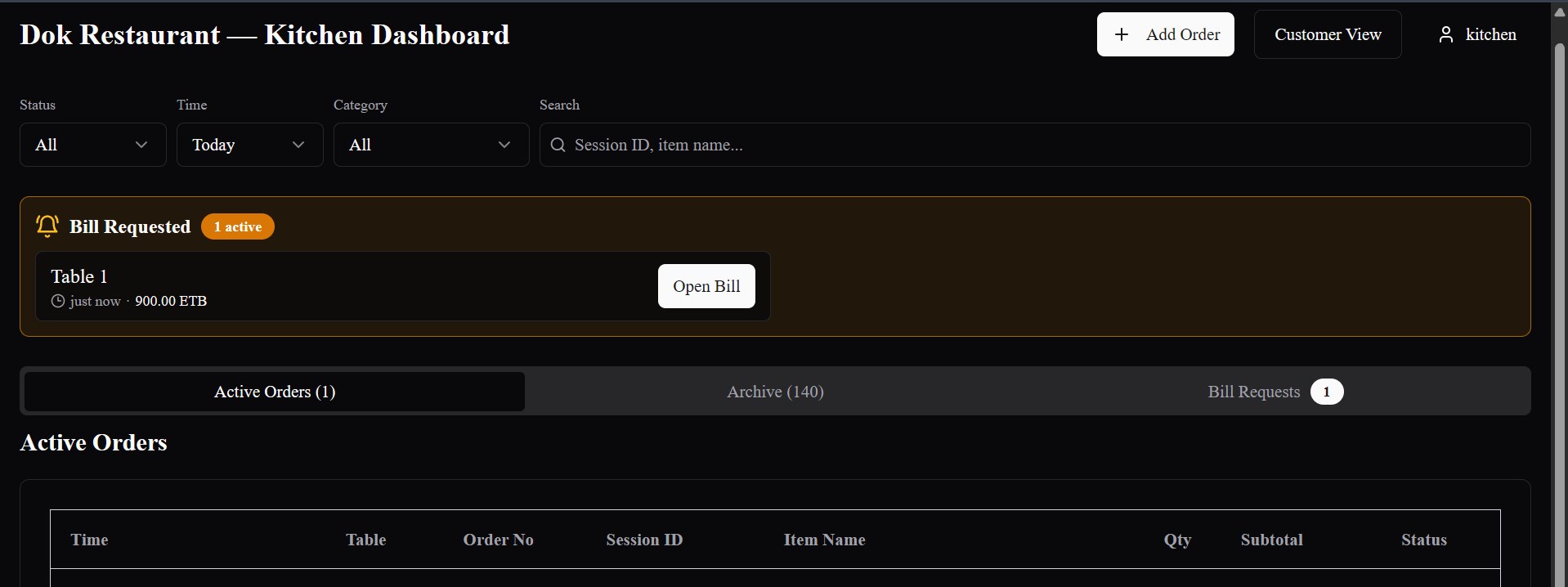
Guests order from restaurant tables or hotel rooms by scanning a QR code, while waiters can still take restaurant orders on a tablet. Bilu connects each order to the kitchen, cashier and management through settlement.
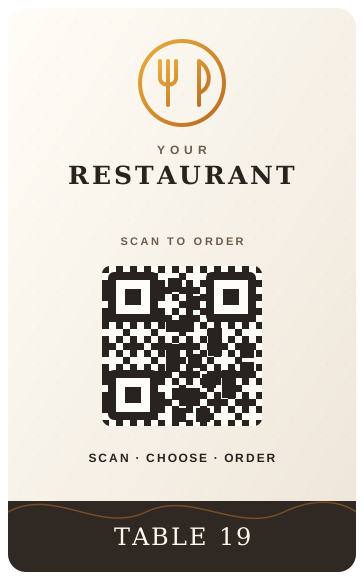
A code on the table
Waiter · tablet
Guest · phone
Two ways in
Guests can order from their phones, while waiters can take orders at the table using a tablet. Both methods use the same restaurant menu, kitchen ordering system and billing process.
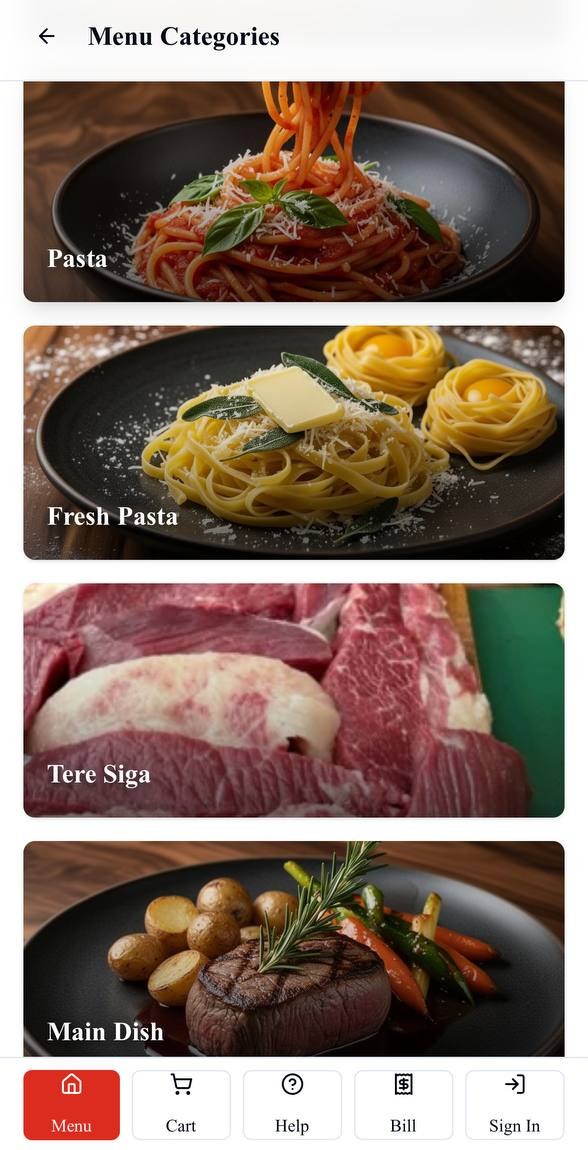
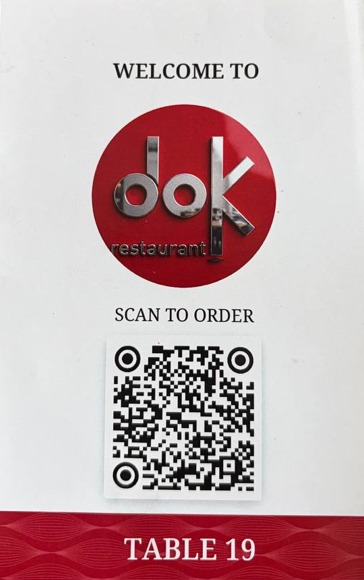
Scan the table QR code to browse the menu, choose items, place an order and request the bill.
Take orders directly at the table using a tablet, add more items and send orders to the kitchen.
Whichever way the order starts, it goes to the same kitchen and is included in the same table bill.
The order journey
See how Bilu connects guests, waiters, the kitchen and cashier throughout the restaurant’s ordering and payment process.
01 · At the table
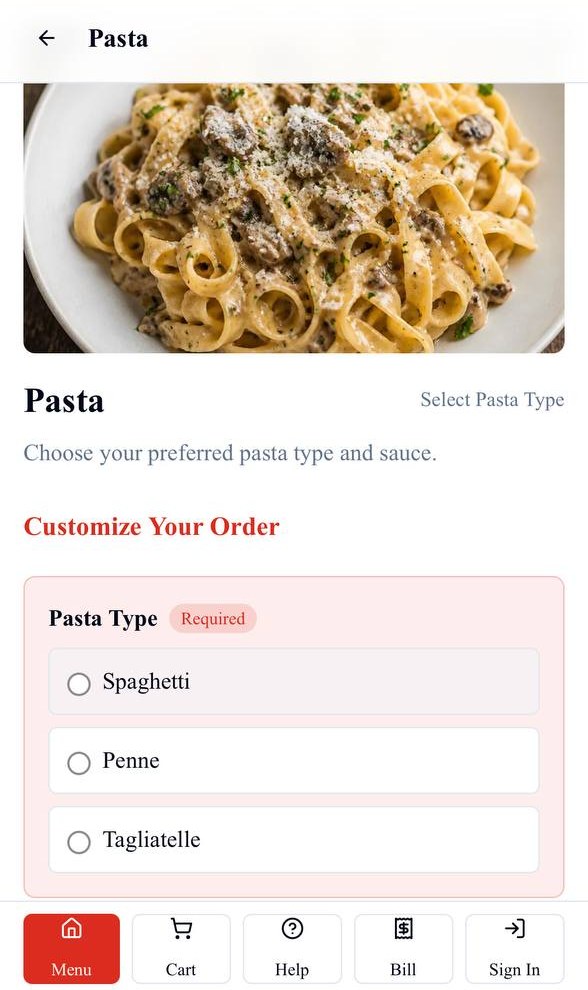
A guest opens the restaurant’s menu on their phone and can place an order for their table.
02 · Menu
Show menu categories, food photos, descriptions and available items in one easy-to-browse menu.
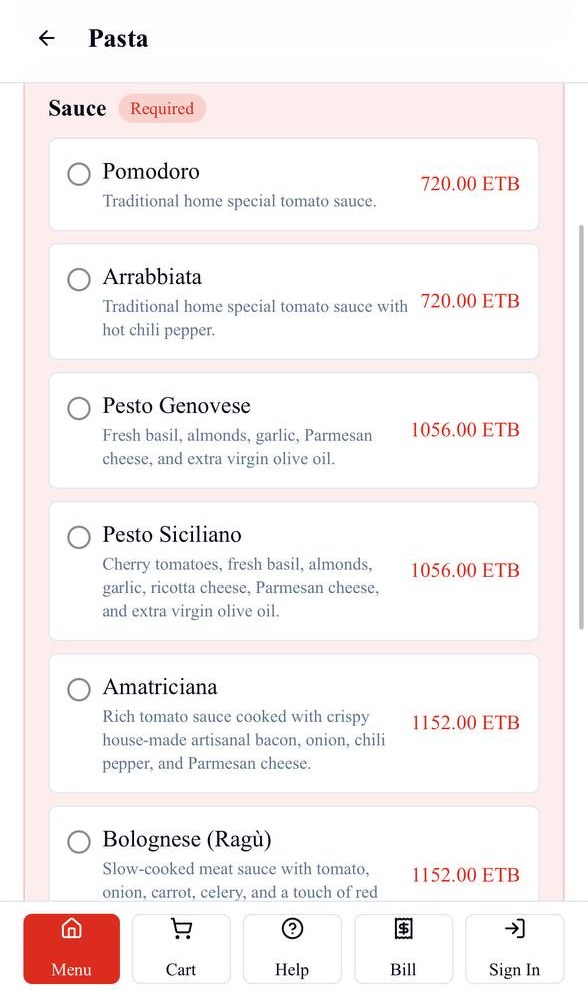
03 · Order
Required choices, customizations and prices are included with the order so the kitchen receives the details it needs.
04 · Kitchen
Kitchen staff receive incoming orders with the table number, ordered items, quantities and selected options.
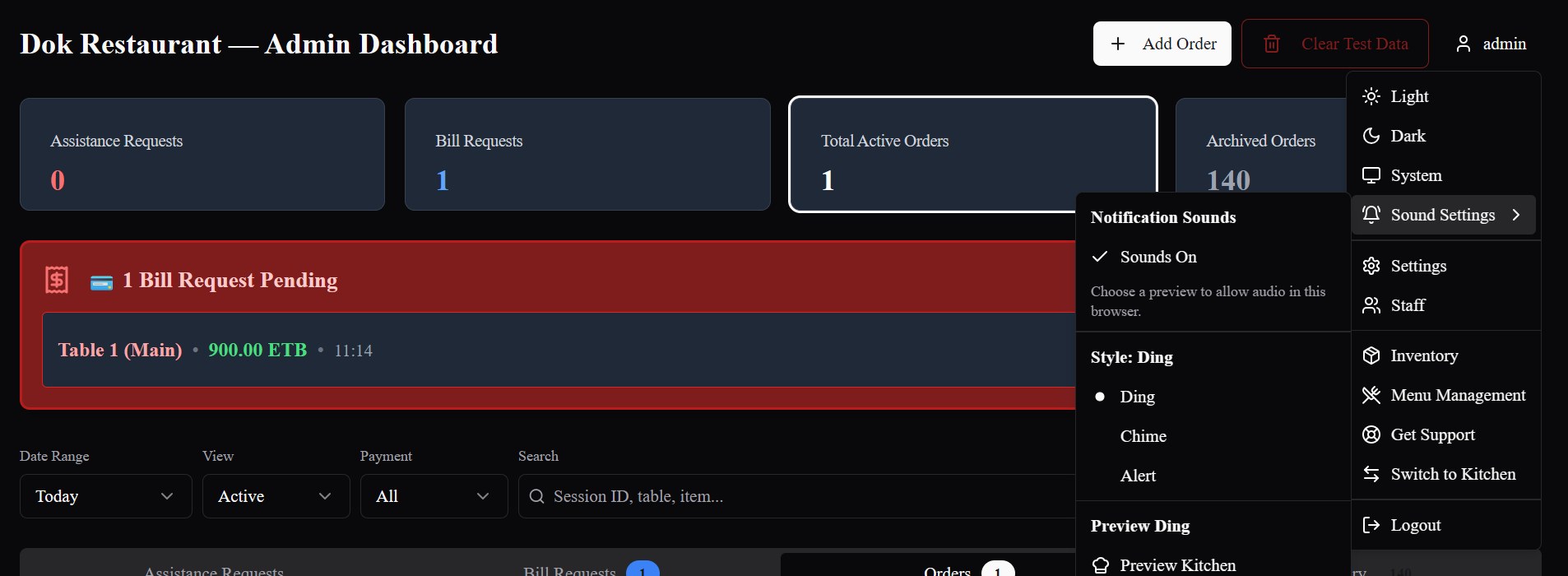
05 · Cashier / Admin
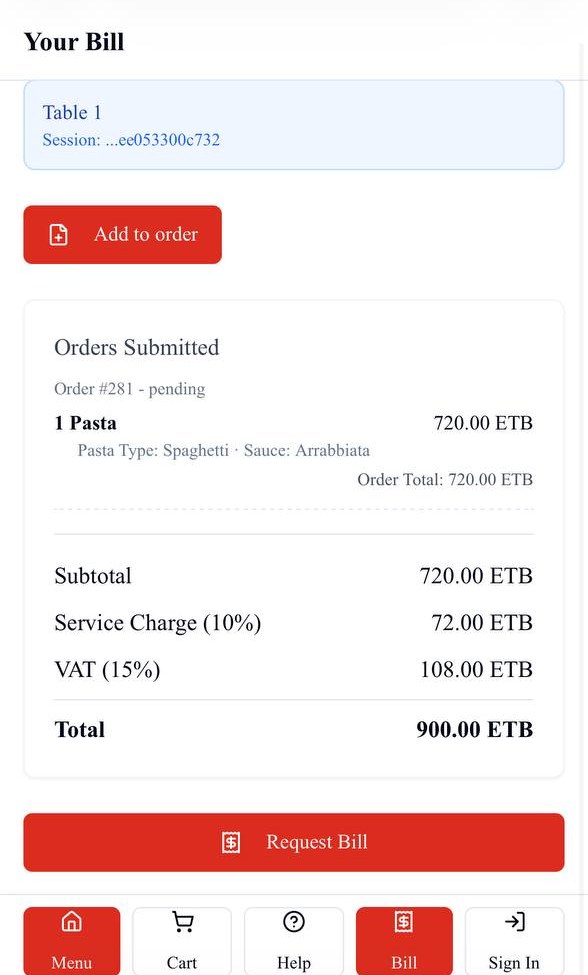
Cashiers and managers can view active orders, respond to bill requests and follow table activity.
06 · Settlement
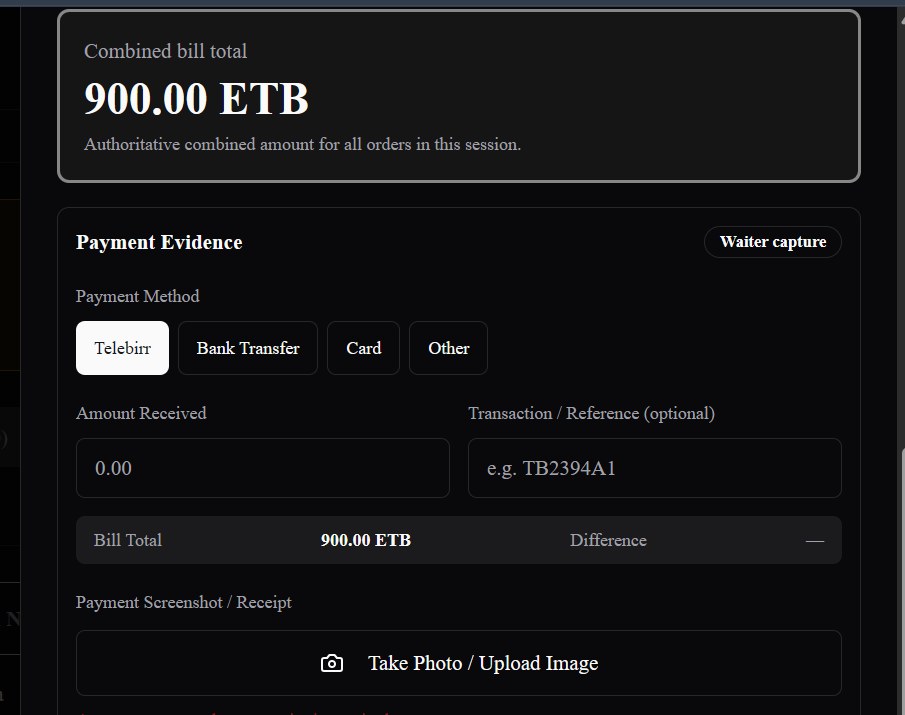
Authorized staff can review the bill, record payments and complete the table’s settlement.
For hotels
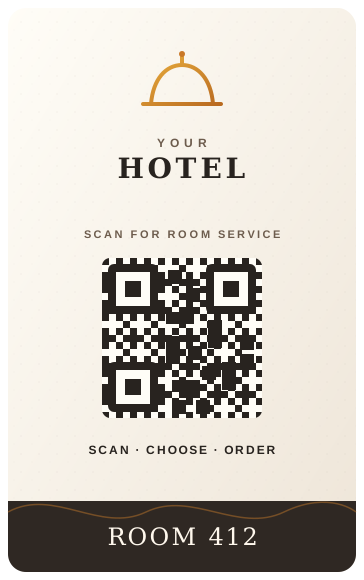
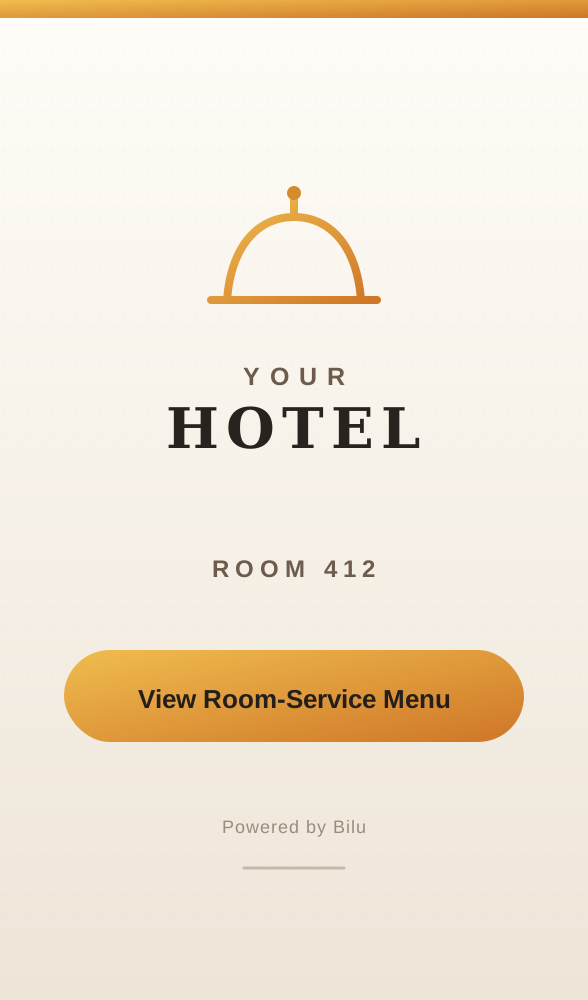
Give every room a direct ordering experience. Guests scan their room QR, browse the room-service menu, place an order, and the request flows into Bilu's kitchen and operations workflow.
Kitchen operations
Kitchen staff can see the table number, ordered items, quantities and selected options. They can follow each order as it moves through preparation.
Cashier & admin
Cashiers and managers can view active orders, respond to bill requests, record payments and review completed payment activity.
Management value
Keep your team connected from the moment an order is placed until the bill is paid. Staff can see the information they need, while managers can follow restaurant activity in one system.
Orders go directly to the kitchen.
Orders placed by guests or waiters appear in the kitchen with the selected items and preparation details.
Kitchen staff can follow incoming orders.
Staff can see what has been ordered and track orders as they move through preparation.
Cashiers can see when a table requests its bill.
Bill requests appear in Bilu so authorized staff can respond and complete the payment process.
See what’s happening across your restaurant.
Managers can review orders, table activity, payments and restaurant performance.
Real implementation
From QR ordering and waiter tablets to kitchen preparation, billing and restaurant management, Bilu brings daily restaurant operations together in one connected system.
For restaurants
Some guests prefer to order from their phones. Others prefer to order through a waiter. Bilu supports both, using the same menu, kitchen ordering system and billing process.
Restaurant management
Manage your menu, orders, kitchen, payments, stock and daily performance in one connected system.
01
Track sales, order volumes and best-selling menu items. Review restaurant performance by date and export reports to Excel.
02
Add and edit menu items, change prices, manage categories and customizations, upload food images, and control which items are available to order.
03
Receive orders from guests and waiters, route items to the appropriate kitchen station, and follow orders through preparation.
04
Manage table bills, record cash and electronic payments, handle split payments, and review completed payment history.
05
Monitor stock, record incoming inventory and stock movements, and keep track of ingredients and supplies.
06
Give staff access based on their responsibilities, review important system activity and request support when assistance is needed.
Demo
We’ll show you how guests and waiters place orders, how the kitchen receives them, and how your staff manage bills and payments.